How to connect Claude to Erlangly
Connecting Claude to Erlangly over MCP, step by step: an admin turns AI assistants on, Claude adds Erlangly as a custom connector, you sign in and choose what it may do, then ask about tomorrow's coverage and approve time off, with Claude asking first. A real conversation on a demo install.
Chapters
- 0:00 Claude, meet Erlangly
- 0:08 Turn it on
- 0:34 Add it to Claude
- 0:57 Connect
- 1:21 What it may do on its own
- 1:31 Ask
- 1:56 A change, with your OK
- 2:14 Yours to end
- 2:33 Close
Transcript
Ask Claude how tomorrow looks, and it answers from your schedule in Erlangly. Here's how to connect them.
First, an admin turns it on. In Erlangly, under Settings, AI agents, tick Let AI assistants connect. Erlangly then shows the address to give your assistant: your Erlangly's own address, with slash MCP on the end. Claude connects from Anthropic's servers, so Erlangly has to be on the internet, over HTTPS.
In Claude, open Customize, then Connectors. Choose Add, then Add custom connector. Name it Erlangly, paste the address, and continue. Claude checks the server, and finds how to sign in by itself. Click Add. Claude's free plan has room for one custom connector. On Team and Enterprise, an owner adds it for everyone first.
Now click Connect. Claude sends you to Erlangly to sign in, with single sign-on if you use it. Erlangly asks what Claude may do: only read, or read and change what you can change, like deciding time off. Either way, it can't publish schedules or see other people's email addresses. Allow, and you're back in Claude, connected.
Each of Erlangly's tools has its own permission. Let Claude read without asking, and leave Needs approval on the three that change things.
Start a chat. Erlangly is on, in the Connectors menu. Then ask in your own words. How does tomorrow look on Billing? Claude reads Sunday's coverage, interval by interval. Tight in the morning, overstaffed after two, and short in the evening. And it spots a request still waiting: Latoya Bailey's vacation, on Monday.
Latoya asked for Monday off. Approve it. Before anything changes, Claude asks you. Allow once. It's approved, and in Erlangly her Monday is vacation now. It's done as you, so it's on record under your name.
Claude only ever acts as you, with your role. Disconnect it any time, under Your account. Admins see everyone's assistants, and turning AI assistants off stops them all. And once it's added, the same connector works in Claude's desktop and phone apps.
Erlangly. Install it free, at erlangly.com.
More films
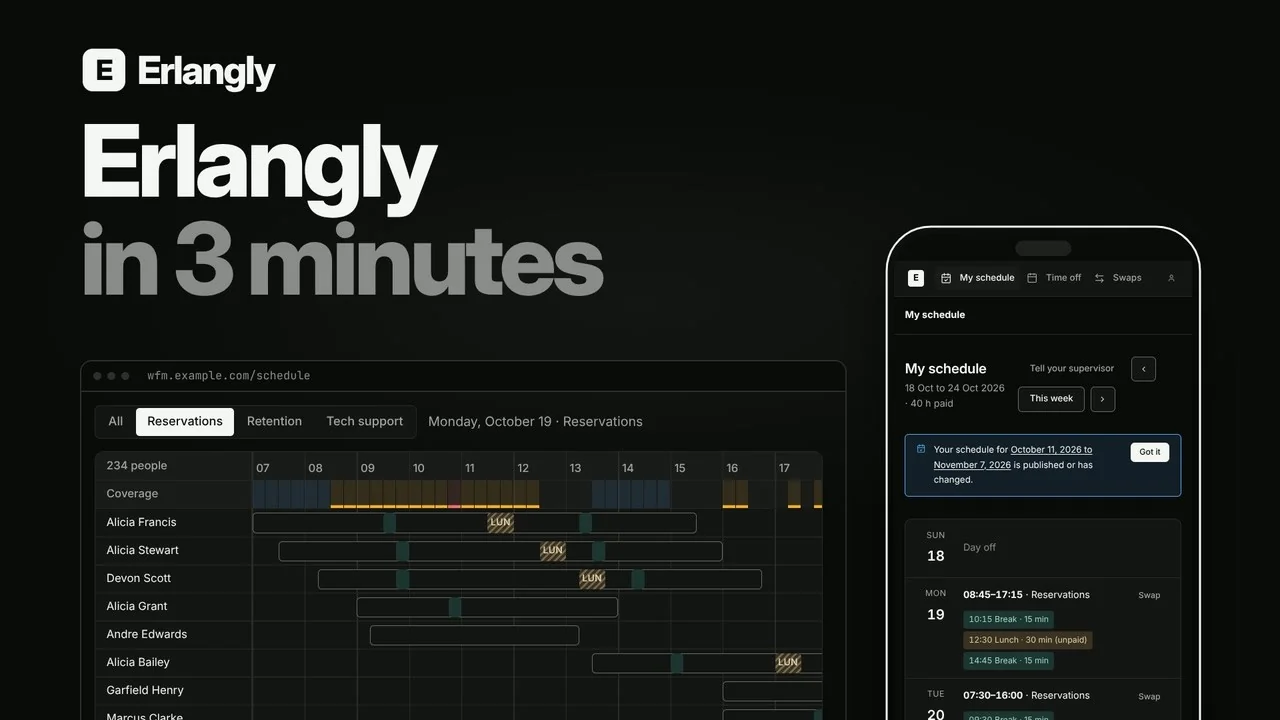 Erlangly in 3 minutes: self-hosted workforce management for contact centers and BPOs 2:55
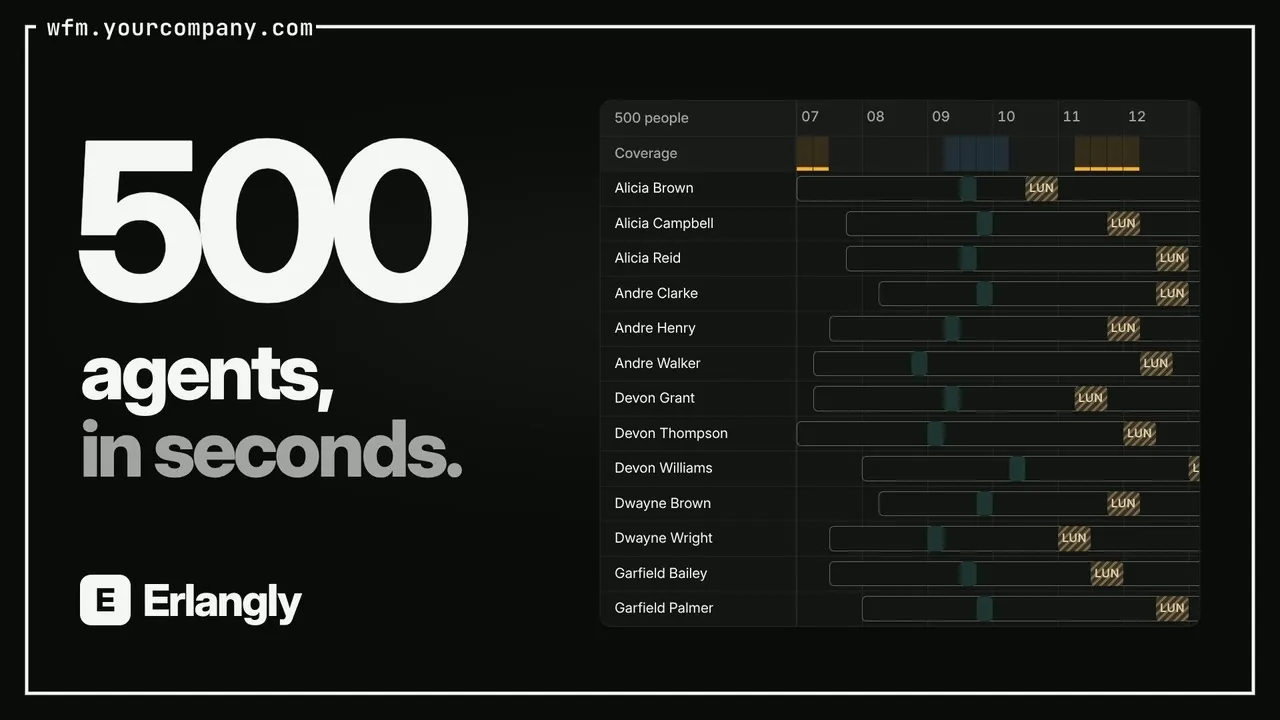 Self-hosted call center workforce management 0:47
 Forecast to adherence in one interval: Erlangly for WFM planners 9:20
 Erlangly for supervisors 4:10
 Erlangly for agents 2:03
 Erlangly for systems administrators 9:06
 How labor rules work in Erlangly 5:30
 How adherence works in Erlangly 5:52
 How notifications work in Erlangly 3:24
 How to connect ChatGPT to Erlangly 2:50