Forecast to adherence in one interval: Erlangly for WFM planners
One 15-minute interval followed through Erlangly: its history and forecast, the agents it needs, the schedule that covers it, checked against labor law, publishing and the changes after, and adherence scored once the interval closes.
Chapters
- 0:00 One interval
- 0:15 Set up
- 1:03 Forecast
- 1:51 The agents it needs
- 2:39 The schedule
- 3:34 Compare and adjust
- 4:11 Labor law
- 5:04 Publish
- 5:33 When things change
- 6:04 Time off and swaps
- 6:30 On the day
- 7:14 Intraday
- 7:47 Several clients
- 8:14 AI assistants
- 8:55 Close
Transcript
Every forecast, every schedule and every adherence score comes down to the interval. Here's one: Monday, nine o'clock, on Reservations. Let's follow it through Erlangly, from its history to its adherence.
First, you set Erlangly up. Your lines of business, each with its service target and shrinkage, from a date you choose, so the days before it keep their figures. Volume history, read from your ACD, up to thirteen weeks back, or imported from a spreadsheet. Erlangly connects directly to Twilio Flex, Zoom, Genesys Cloud, NICE CXone, Five9 and Amazon Connect, and to any other ACD through its API. Your people, with their lines of business, contract hours, and availability where it binds. Your shift patterns: when shifts may start, how long they run, and where breaks and lunch go. And whose labor law applies: for the center, a site or a person.
Each interval is forecast from the same weekday and time in the weeks before the forecast starts, by default the recent ones counting more. Public holidays in that history, from your center's labor law, are left out, and so are days with no contacts at all. An older week stands in. Add growth if you expect it. When you know something history doesn't, like a reminder text going out at nine, override the interval, and note why. Your figure wins, and it's kept every time you recalculate. Then publish it: that's the forecast staffing and scheduling use. Days that have gone by don't change, so as actual contacts come in, it's measured against what you planned: the total, and how far off it was across the intervals.
Then the agents it needs. For calls, it's Erlang C. In each interval, it finds the fewest agents that answer your target share within your target time, and keeps occupancy at or under your cap. Whichever needs more agents sets the number. For chats, the work is divided by how many chats one agent carries at once, at your efficiency, with a margin for chats that arrive together, and again no busier than your cap. Give an email or ticket line its opening hours, and each interval's work is spread over the open time until it's due. Then shrinkage grosses it up, once. Breaks aren't part of it: the schedule places them, so they're never counted twice. And agents stay fractional until whole people are scheduled.
Now the schedule. A period is whole weeks: the next four, unless you choose other dates. Erlangly plans the least flexible people first: those on the fewest lines of business, then those with the most days to fill. Person by person, it finds the shift for each day that covers the most of what the floor still needs. It comes from the patterns for their lines of business and contract type, inside their binding availability, and around approved time off. Their working days are the ones that add the most coverage, up to their contract's days and hours. Then it plans each person's week again, twice over, against everyone else's. Breaks and lunches go where the floor misses them least. And it warns you when a line of business has no published forecast, so nothing is staffed then. Four weeks, five hundred agents, in seconds.
If a draft isn't right, change what drives it, a pattern or someone's hours, and generate another. With nothing changed, it comes out the same, so every difference comes from something that changed. Each draft has its own tab: open one to see its hours short and over, then use the one you want. Once it's the schedule, you can make a draft for just some people, around everyone else's shifts. And after you change shifts yourself, even out breaks: the ones Erlangly placed move, within their windows, to where they cost the least, and the ones you placed stay put.
Labor rules for the United States, Canada, Jamaica, the Philippines, Panama, South Africa, Barbados, Belize, Guyana, and Trinidad and Tobago come with Erlangly. Tighten any rule to match your agreements: loosening one takes an admin and a written reason. When Erlangly generates, rest between shifts and days in a row are hard limits, counting the week before the period, and so are each person's maximum weekly hours and days a week, and any weekly cap your law makes binding. Change a shift by hand, and it's checked before it's kept. If it breaks a rule that blocks publishing, the change isn't made, and it says which rule. A rule that only warns needs you to confirm it, and your name and the warning go in the audit trail. Then publishing checks the whole schedule again.
Publish, and everyone with a login sees their own shifts on the web and on mobile, and gets notified by email if it's configured. One tap confirms they've seen it, and the schedule keeps count. From their phone, they also ask for time off, swap a shift with a colleague, and tell their supervisor when they're sick or late. On the schedule, a supervisor can choose their team, and see just their people's shifts, beside the whole floor's coverage.
Then things change. Publish a new forecast, or change the published one, and the schedule is flagged: Needs regenerating, with the reason. Move someone to another line, and their shifts on the old one come off from that day. The schedule names them, and you can make a draft for just them. A draft, for everyone or just them, takes over from a day you pick. The days before stay as they are, and on a published schedule, the new shifts go out at once.
Time off and swaps come to supervisors to decide. A time-off request shows the shifts it lands on before you approve it. Once it's approved, the time off lies over the shift, and the gap shows in coverage. A swap needs a colleague to accept and a supervisor to approve, with labor law checked for both. Each shift keeps its time and line: the two people trade them.
On the day, the wallboard shows each agent's state from your ACD, seconds after it changes, next to what the published schedule asks for. Anyone too long in after-call work, on a break or at lunch raises an alarm. Filter it by team or line of business, or put it on the floor's TV. A minute after each fifteen-minute interval closes, Erlangly scores adherence from those states. When the day doesn't go to plan, a supervisor records an exception from the agent's tile, like sick, late or overtime, or approves one the agent asked for. It replaces the schedule for its time: approve a sick call, and someone logged off isn't counted out.
Then Intraday shows how the day went against the plan, interval by interval, for each line of business. At nine on Reservations, 111.6 agents were needed on the phones, and 135 were scheduled there. 132.5 really were, 98.9% in adherence. Its hours tab follows the hours planned to the hours on the phones: less time away, sick calls and breaks, plus the time people took contacts when they weren't scheduled to.
Run work for several clients? Turn it on, and each keeps its own lines of business and schedules, each published on its own, on one install, with one roster. Erlangly keeps each person to one shift at a time: generation plans around their shifts for other clients, with rest either side, a change that overlaps is refused, and a clash stops publishing. In-house, with one client, you never see any of this.
Erlangly also works with AI assistants, like Claude and ChatGPT. It's off until an admin turns it on, under Settings, AI agents. Add Erlangly to Claude with this address, sign in, and choose what it may do: only read, or also decide time off. Then ask in your own words. Are we short on Reservations tomorrow morning? Claude reads the coverage, interval by interval. The morning is covered, only just in places, and it warns that the evening is short. It acts as you, with your role, and you can disconnect it any time. Publishing a schedule stays with a person, in Erlangly.
Forecast, staff, schedule, publish, and keep it up to date: the whole planning cycle, on your own server. Most of the numbers in this film come from Erlangly's own sample contact center. Load it, all five hundred agents with the free trial, and follow an interval of your own. Erlangly. Install it free at erlangly.com.
More films
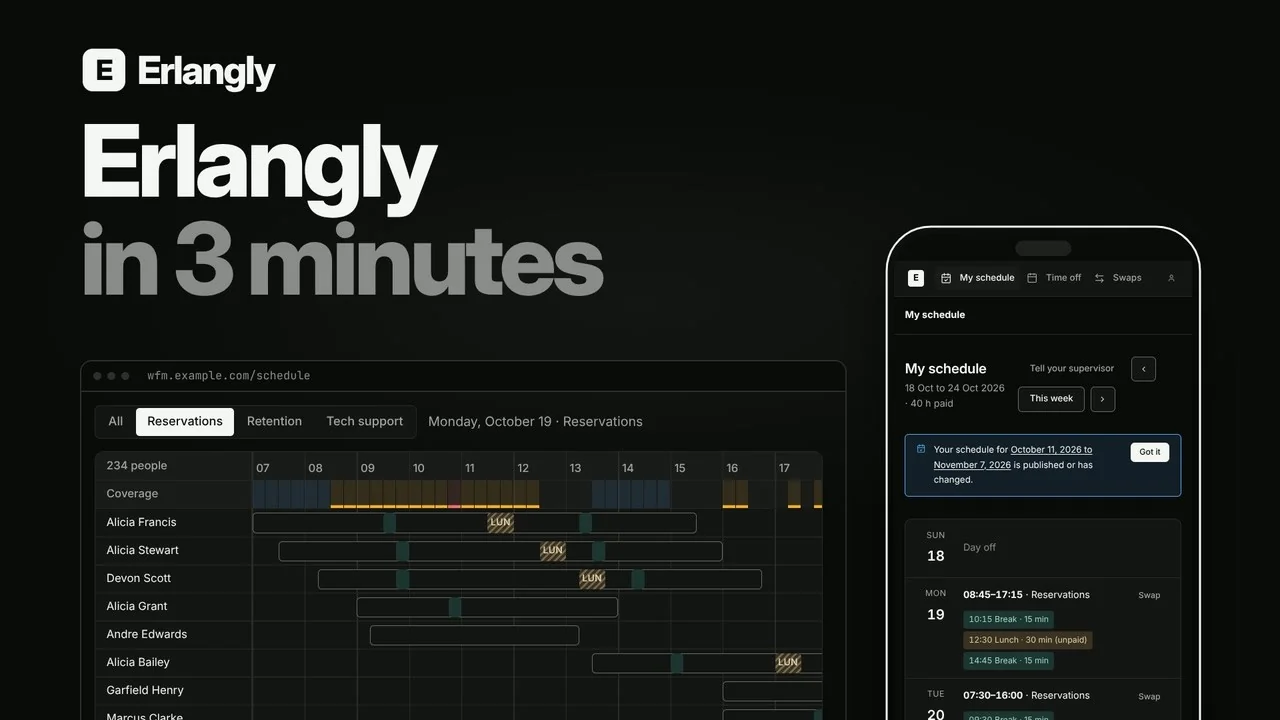 Erlangly in 3 minutes: self-hosted workforce management for contact centers and BPOs 2:55
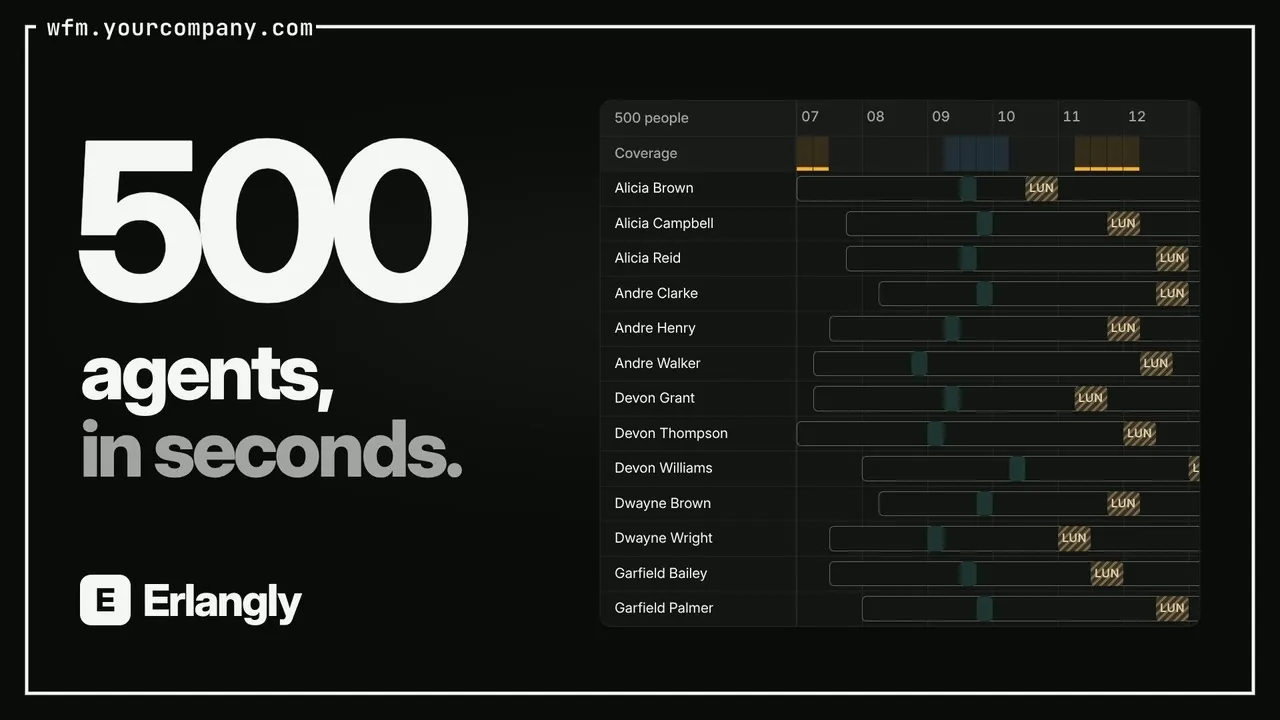 Self-hosted call center workforce management 0:47
 Erlangly for supervisors 4:10
 Erlangly for agents 2:03
 Erlangly for systems administrators 9:06
 How labor rules work in Erlangly 5:30
 How adherence works in Erlangly 5:52
 How notifications work in Erlangly 3:24
 How to connect Claude to Erlangly 2:50
 How to connect ChatGPT to Erlangly 2:50