How notifications work in Erlangly
How Erlangly tells people what changed: an agent turning notifications on once, from My schedule; a shift moved on the published schedule and told to her phone once, with what changed; the bell and the Notifications page; swaps and time off; each person's choices of devices, email right away or a morning summary; what supervisors and admins hear; and why each notification goes from your server straight to the phone's own push service, encrypted, with nothing going to us. Erlangly's sample contact center, on drawn phones showing what Erlangly really sent.
Chapters
- 0:00 Open
- 0:13 Turn it on once
- 0:40 A shift moves
- 1:11 One place to look
- 1:30 Swaps and time off
- 1:51 Your choices
- 2:11 Supervisors and admins
- 2:36 Your server
- 3:04 Close
Transcript
Agents don't sit in their inbox. When a planner moves tomorrow's shift, the agent should hear about it on their phone, within minutes, not when they next look. Here's how Erlangly tells people what changed.
An agent turns it on once, from My schedule: Turn on notifications, then Allow. Erlangly never asks on its own, only after that tap. Android phones and computers are ready straight away. On an iPhone, add Erlangly to the Home Screen first, and turn it on from there. Their emails keep coming until they choose otherwise: Erlangly offers once to stop them.
Now a planner moves Tanya's shift on Tuesday, on the published schedule, and notes why. Erlangly waits five minutes, in case more changes follow, then tells her once. Your schedule changed: Tuesday, was seven thirty to four, now eight thirty to five. One tap opens her schedule on that week. She taps Got it, and the schedule shows the planner how many people have seen it.
Everything Erlangly tells you is also on your Notifications page, for thirty days: what's new first, then what you've seen. The bell keeps count on every page. Read one on your phone, and the count on your computer clears, live.
It's the same for the rest of your week. A colleague asks to swap, and you hear whether it's approved, declined or expired. Your time off is decided, or entered for you. And when you report going home sick, you hear when it's approved.
Each person chooses what comes to their devices, and what's emailed: right away, in a morning summary, or not at all. The defaults suit most people. A test shows it's working. And for quiet time, a phone's own Focus or Do Not Disturb does the rest.
A supervisor gets one notification for everything waiting on them, not one per request. It keeps count, and it's new again when a request comes in. By default it comes in a morning email, at seven in their own time zone, so their day only changes if they want it to. And admins hear when Erlangly itself needs looking at, like a backup that failed.
Your server sends each notification straight to the phone's own push service: Apple's, Google's, Microsoft's or Mozilla's. It's encrypted for that device, so the push service can't read it, and nothing goes to us. There's no account to sign up for. The lock screen shows only your own times and a colleague's first name. And an admin can turn it off for everyone, in one place.
Erlangly. Install it free, at erlangly.com.
More films
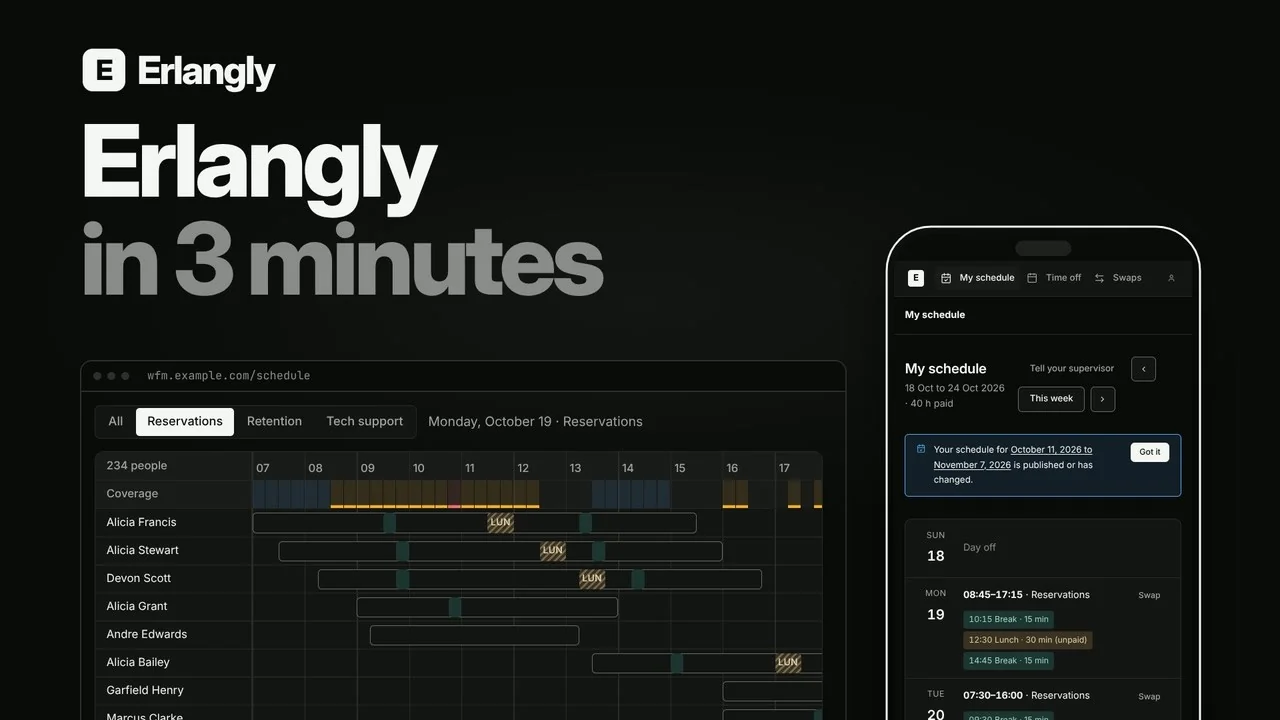 Erlangly in 3 minutes: self-hosted workforce management for contact centers and BPOs 2:55
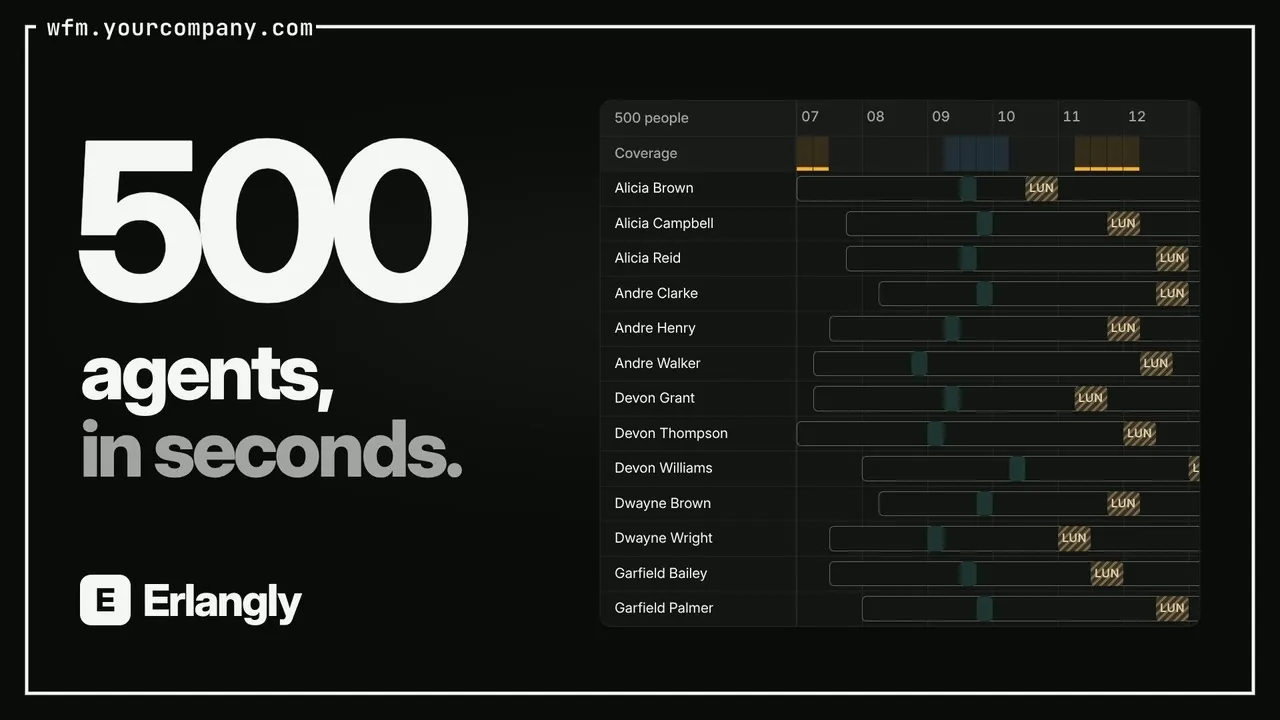 Self-hosted call center workforce management 0:47
 Forecast to adherence in one interval: Erlangly for WFM planners 9:20
 Erlangly for supervisors 4:10
 Erlangly for agents 2:03
 Erlangly for systems administrators 9:06
 How labor rules work in Erlangly 5:30
 How adherence works in Erlangly 5:52
 How to connect Claude to Erlangly 2:50
 How to connect ChatGPT to Erlangly 2:50