Erlangly for systems administrators
One Erlangly server from an empty terminal to a year in: installing with one command, what runs and what it connects to, single sign-on and two-factor authentication, backups, upgrades and rolling back, recovering a lost server, the audit trail, the API and AI assistants, automation and exporting everything.
Chapters
- 0:00 One server
- 0:19 Install
- 1:01 What's running
- 1:27 The network
- 1:56 Sign-in and access
- 2:52 Two-factor authentication
- 3:44 Backups
- 4:25 What leaves the server
- 5:19 Upgrades and rollback
- 5:51 Day to day
- 6:21 A new server
- 6:49 Audit, APIs and AI assistants
- 7:43 Automation
- 8:22 Leaving
- 8:52 Close
Transcript
Erlangly is a workforce management platform for contact centers, and it runs on your server. So before your planners start, you'll want to know what it installs, what it opens, what it sends, and how much looking after it needs. Here's one server, from an empty terminal to a year in.
This is a new Ubuntu server, with two CPU cores and two gigabytes of memory, the smallest Erlangly asks for. One command installs it. Docker first, if it isn't there. Then the erlangly command. Then Erlangly itself, pulled by the image digest get.erlangly.com lists for that release, so a changed tag can't swap in something else. Half a minute later, it's running, with a secret link for setting it up that works once. Open it to claim the server: create the first admin, set up two-factor authentication on your phone, then activate its license: the free plan, a thirty-day trial, or a key.
What did it install? One container. A web server inside it takes the traffic and hands it to the app. The background jobs and the connections to your ACD run beside them, in the same container. One Docker volume holds the data: its databases and the server's own secret key. It runs as an unprivileged user, in about two hundred and thirty megabytes of memory.
It listens on port eighty, and on four-four-three once it has a domain. Nothing else. Give it a domain and it gets its own certificate from Let's Encrypt, or put it behind your own HTTPS proxy. Until you do, it tells you plainly that passwords cross the network unencrypted. And its connections to your ACD go out from Erlangly, so there's no extra port to open for them.
People sign in with their company account: Microsoft Entra ID, Google Workspace, Okta, or any OIDC provider, over HTTPS. Only people you've invited, and only from the email domains you allow. Require it for staff, and keep a break-glass admin with a password. Each break-glass sign-in is recorded and, once email is set up, sent to the other admins. Passwords need at least twelve characters. A password reset signs that person out everywhere, and their API tokens and AI assistants stop working too. There are four roles: admin, planner, supervisor and agent. Turn off someone's sign-in and they're signed out everywhere. And if your identity provider is down, turn off SSO from the server, so people can sign in locally with their passwords.
Passwords get a second factor. Every admin who signs in with a password, your break-glass admins included, uses two-factor authentication: after the password, a six-digit code from an authenticator app. Setting it up takes a minute. Scan the code with the app, type in the six digits it shows, and keep the ten recovery codes somewhere safe. You can require it of everyone with an Erlangly password, not just admins. On a device of their own, people can skip the code for as many days as you allow, up to ninety. Wrong codes are limited and recorded. And a lost phone doesn't lock anyone out. A recovery code gets them in, another admin can reset theirs, and for the last admin, erlangly two-factor reset does it from the server.
Every night, Erlangly saves a copy of all its data on the server, and keeps one a day for a week and one a week for a month before that. That covers mistakes and bad upgrades, but not losing the server, and the app says so. So erlangly backup writes one whenever you like, to copy somewhere else, and erlangly restore puts one back. For a copy that leaves the server as it changes, give it an S3 bucket: three lines in its settings and a restart. From then on, every change is copied off the server within seconds. And it keeps a copy of the server's secret key in that settings file, so keep the file somewhere safe too.
What does it send? No telemetry: Settings says so, in as many words. Once a day it asks get.erlangly.com for the latest version number, and you can turn that off. Activating its license happens in an admin's browser: the server itself never contacts our store. Notifications to phones and computers go through the push service of each person's browser, Apple's, Google's, Microsoft's or Mozilla's. They're encrypted for the device, so that service can't read them, and nothing goes to us. An admin can turn them off. Everything else goes only where you point it: your mail server, your ACD, your identity provider, your bucket. Here's the container's network right now. Its only connections out go to that bucket. AI assistants can connect too, but only once an admin turns that on, and an admin can turn it off again at any time.
A new release is out. erlangly upgrade brings itself up to date first, then snapshots the data and starts the new version, which updates the databases. If it doesn't come up, it rolls itself back. Seven seconds here, with the download. Changed your mind? erlangly rollback asks first, saves the data as it is now, then puts back the old version and the data from just before the upgrade. Upgrade again, and the image is already there: four seconds.
Day to day, erlangly status tells you what you need: the version, the address, how big the data is, where it's copied, the version kept for rollback, and whether anything needs looking at. That's the nightly backups, background jobs, free disk space and the off-site copy. Admins see the same in Settings, and Erlangly tells them when something needs looking at. erlangly logs has the log, and erlangly help, the rest.
And on a bad day, the server is lost. On a new one, put back the settings file you kept, and install. Erlangly brings its data back from the bucket before it starts, and says so: it's already set up, so sign in as before. Everyone signs in again, and that's all: the server's secret key came back with the file, so two-factor codes and the passwords it keeps for your other systems still work.
Changes to people, schedules and settings go into the audit trail, under the name of whoever made them, and it says when a change came through a token or an AI assistant. So does every export, and every reset link printed on the server. Admins read it in Settings, filtered by person, by how the change was made, by kind of record and by date, and the export has all of it. Your own scripts can use the API. Each token acts as the person who made it, with their role, only reads unless it was made to change things, and expires. AI assistants such as Claude and ChatGPT connect over MCP once an admin turns that on. Each acts as the person who connected it, signing in through Erlangly, two-factor authentication included. And no AI assistant can publish a schedule.
Erlangly fits into the rest of your automation. Everything the erlangly command does can run from a script. A nightly job can run erlangly backup and copy the file to your own storage, and check erlangly status for anything that needs looking at. erlangly schedule prints the day's published shifts, as JSON if you like, for door badges, payroll or a team channel. Volume history comes in with erlangly volumes import, or straight from your ACD over the API. And with a personal token, your scripts can read the roster, forecasts, coverage and adherence, and decide time off.
And if you leave, erlangly export writes everything as CSV files in a zip, a file for each kind of data, the audit trail included. Passwords, tokens and keys are left out. If a paid license ends, Erlangly carries on, on the free plan, and nothing is deleted. Above twenty-five agents, you can't add agents or generate schedules until you renew. Everything you have stays.
One container, on your server, under your rules. The details are on erlangly.com's security page. Install it free, at erlangly.com.
More films
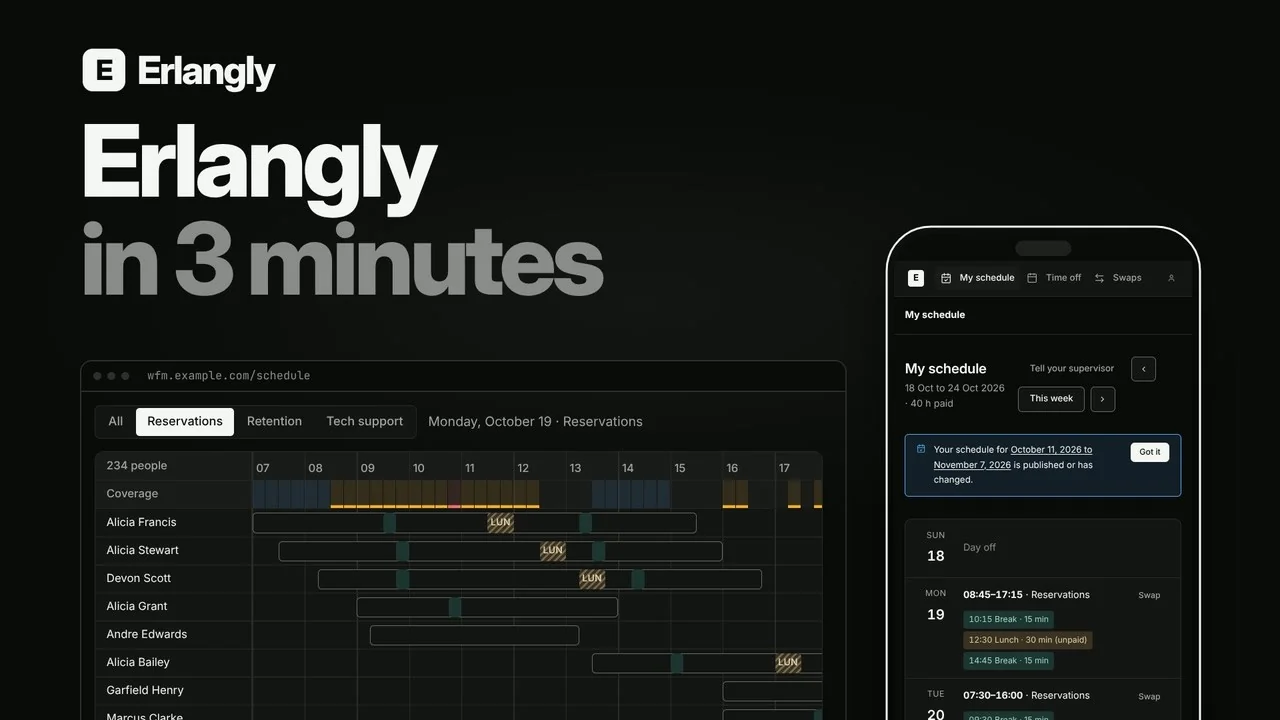 Erlangly in 3 minutes: self-hosted workforce management for contact centers and BPOs 2:55
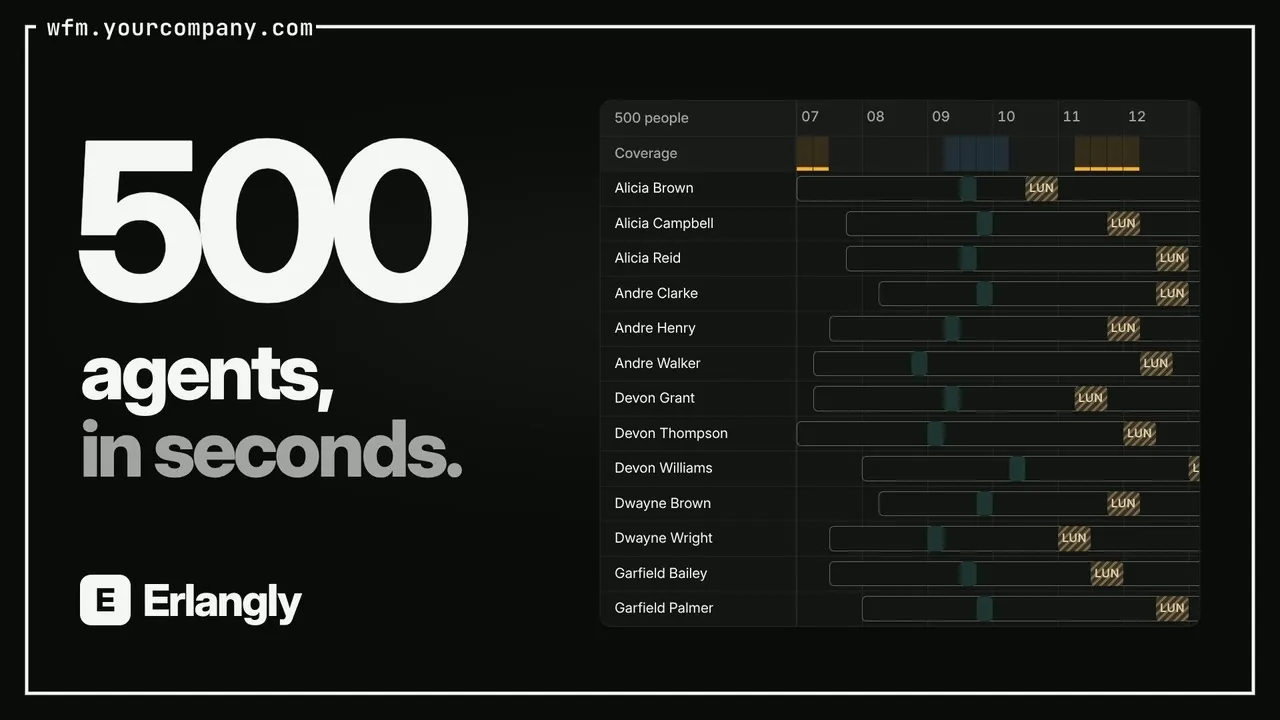 Self-hosted call center workforce management 0:47
 Forecast to adherence in one interval: Erlangly for WFM planners 9:20
 Erlangly for supervisors 4:10
 Erlangly for agents 2:03
 How labor rules work in Erlangly 5:30
 How adherence works in Erlangly 5:52
 How notifications work in Erlangly 3:24
 How to connect Claude to Erlangly 2:50
 How to connect ChatGPT to Erlangly 2:50