How to automate Erlangly
How an IT team keeps Erlangly in step with the HR system, payroll and the building: an integration with a token of its own, made by an admin under Settings → Integrations; a nightly sync of people, previewed then applied, with a guard against a broken export; leave from HR, approved with HR's own ID, and balances in hours; each person's scheduled minutes for payroll, and split by client for billing; the erlangly command on the server; and a signed webhook that a door system and a team chat act on. Erlangly's sample contact center, with the guide's own scripts and stand-ins for HR, the doors and chat, showing what Erlangly really sent and got.
Chapters
- 0:00 Open
- 0:14 A token for each system
- 0:46 The nightly sync: people
- 1:20 Leave and balances
- 1:51 Payroll and billing
- 2:22 Webhooks
- 2:52 Safe by default
- 3:17 Close
Transcript
Your HR system knows who works for you, and their leave. Payroll pays them. Erlangly knows the schedule. Nobody should type the same thing into two of them. Here's how to automate Erlangly.
Each system gets an integration of its own, made by an admin under Settings, Integrations. Erlangly asks for the admin's password again first. Name it after the system, tick only what its job needs, and say which HR system it imports from. The token is shown once. It acts as a user of its own that can't sign in, and it keeps working when the admin who made it leaves. A week before it expires, every admin is emailed, and making a new token keeps it going.
Then a script runs each night, at a quarter past two. First, people: joiners, moves and leavers from HR, matched by employee number. Erlangly previews what the rows would do, then Erlangly applies them. Leavers go first, so the seats they free are there for joiners. Nobody is invited to sign in: that's still a person's call. And if a broken export would make more than a tenth of your people leave at once, Erlangly refuses it until someone checks.
Next, leave. A planner says once what HR calls each kind: Annual leave is Vacation. Leave booked in HR comes in approved, with HR's own ID, so sending a month of it every night is safe. Tanya is told on her phone. Her balance comes in hours, as HR worked it out. And leave approved in Erlangly goes into HR, with HR's ID sent back.
For payroll, hours gives each person's minutes for a pay period: the schedule's minutes, never hours worked. Pay what your time clock says, and check it against these. Split by client, each client's invoice gets the time worked for it, by the client each shift was worked for. And with no script at all, an admin can import HR's files and export the hours from the command line on the server.
Some systems can't wait for the night. A webhook tells them as each change is made. When a planner moves Alicia's shift, Erlangly posts a short, signed event: who, and which days, never names or times. The receiver asks the API what changed, so it learns only what its token may see. The door system moves Alicia's badge window, and the team's chat hears that Alicia's shifts for today changed.
Everything an integration changes is in the audit trail, under its name. It can't decide time off or publish a schedule, and an AI assistant can't use it. People's personal details stay out unless you tick them. And version one of the API won't break, so your scripts keep working through upgrades.
Erlangly. Install it free, at erlangly.com.
More films
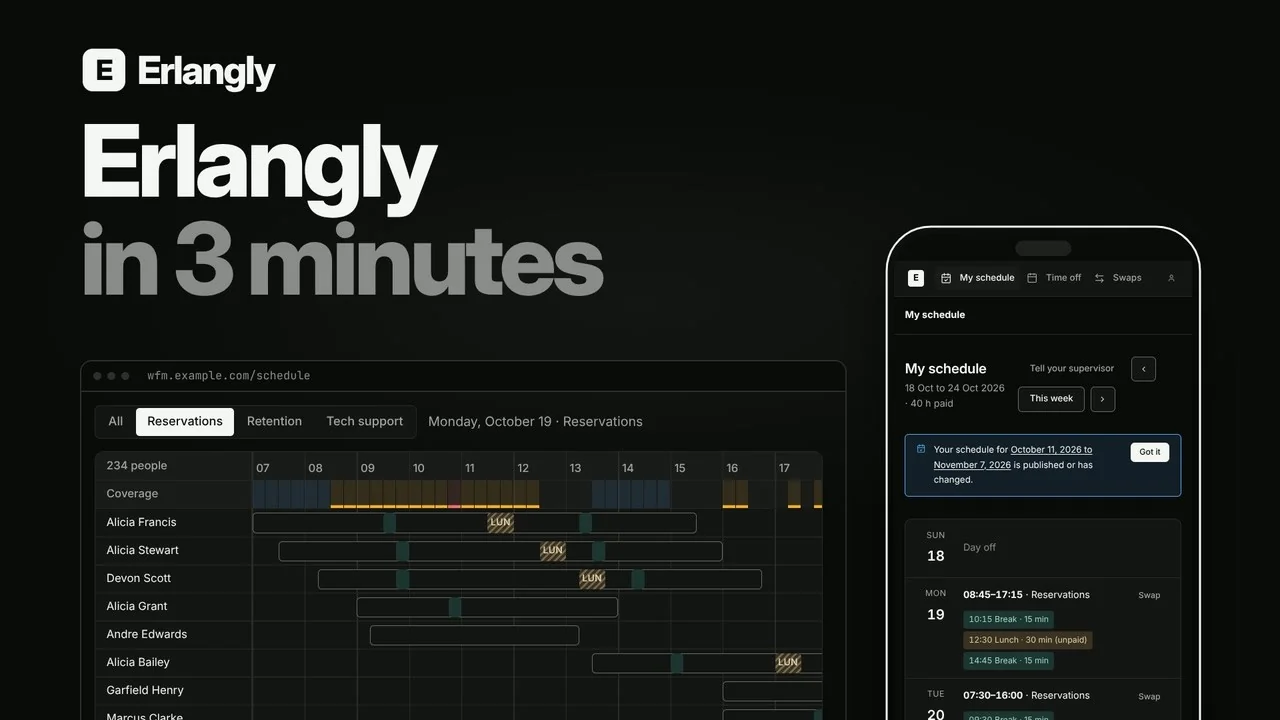 Erlangly in 3 minutes: self-hosted workforce management for contact centers and BPOs 2:55
 Self-hosted call center workforce management 0:47
 Forecast to adherence in one interval: Erlangly for WFM planners 9:20
 Erlangly for supervisors 4:10
 Erlangly for agents 2:03
 Erlangly for systems administrators 9:06
 How labor rules work in Erlangly 5:30
 How adherence works in Erlangly 5:52
 How notifications work in Erlangly 3:24
 How to connect Claude to Erlangly 2:50
 How to connect ChatGPT to Erlangly 2:50