How to connect Twilio Flex to Erlangly
How to connect Twilio Flex to Erlangly, step by step: a restricted API key in the Twilio Console, the connection in Erlangly, Flex's states and agents, queues for the forecast, and the floor live on the wallboard. For Flex admins and IT teams, and for workforce managers whose contact center runs on Flex. Erlangly on a demo install, connected to a Twilio Flex trial account; Twilio's screens are redrawn from it word for word, and names, numbers and IDs are made up.
Chapters
- 0:00 Open
- 0:16 What it reads, and what it doesn't
- 0:28 A restricted key in Twilio
- 0:53 Connect in Erlangly
- 1:15 States and agents
- 1:37 Queues feed the forecast
- 2:03 The floor, live
- 2:21 Close
Transcript
Flex routes the work. Erlangly plans the people. Once they're connected, an agent goes on break in Flex, and about 20 seconds later, the wallboard shows it.
Erlangly connects out to Twilio, and only reads. It never touches calls, messages or recordings, and nothing on your network has to be opened to the internet.
In the Twilio Console, switch to your Flex account. Under API keys and tokens, create an API key. Make it Restricted, and tick only the nine TaskRouter read permissions Erlangly asks for. Copy its SID and secret. Twilio shows the secret only once.
In Erlangly, under Settings, Connections, add Twilio Flex. Paste the Account SID, the key's SID and its secret, and connect. Erlangly finds your Flex workspace by itself, and checks that the key can read what it needs. Within a minute, it's listening.
Flex's states come mapped. Handling a task becomes On a call, and wrapping up becomes After-call work. Change any that mean something else on your floor. Agents link by the email Flex keeps for them. Anyone else waits until you say who they are.
Then give each queue its line of business. Here, the queue Everyone feeds Customer care. Erlangly reads its last 30 days right away, then every 15 minutes: offered, handled, abandoned and handle time. A transferred call counts once. Our two test calls show up as two contacts.
Now Devon takes a call. The wallboard follows: on a call, after-call work, then available. Each change comes about 20 seconds behind Flex, but keeps the time it happened, so the delay doesn't count against adherence.
Erlangly. Install it free, at erlangly.com.
More films
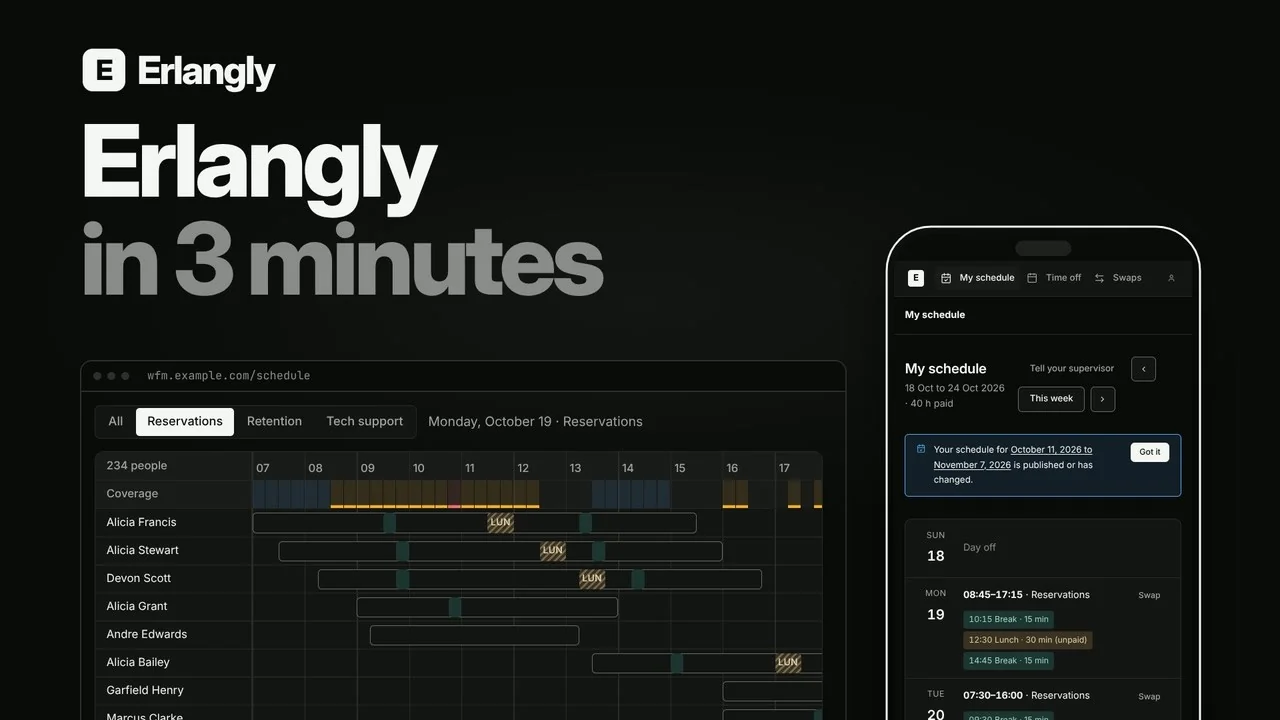 Erlangly in 3 minutes: self-hosted workforce management for contact centers and BPOs 2:55
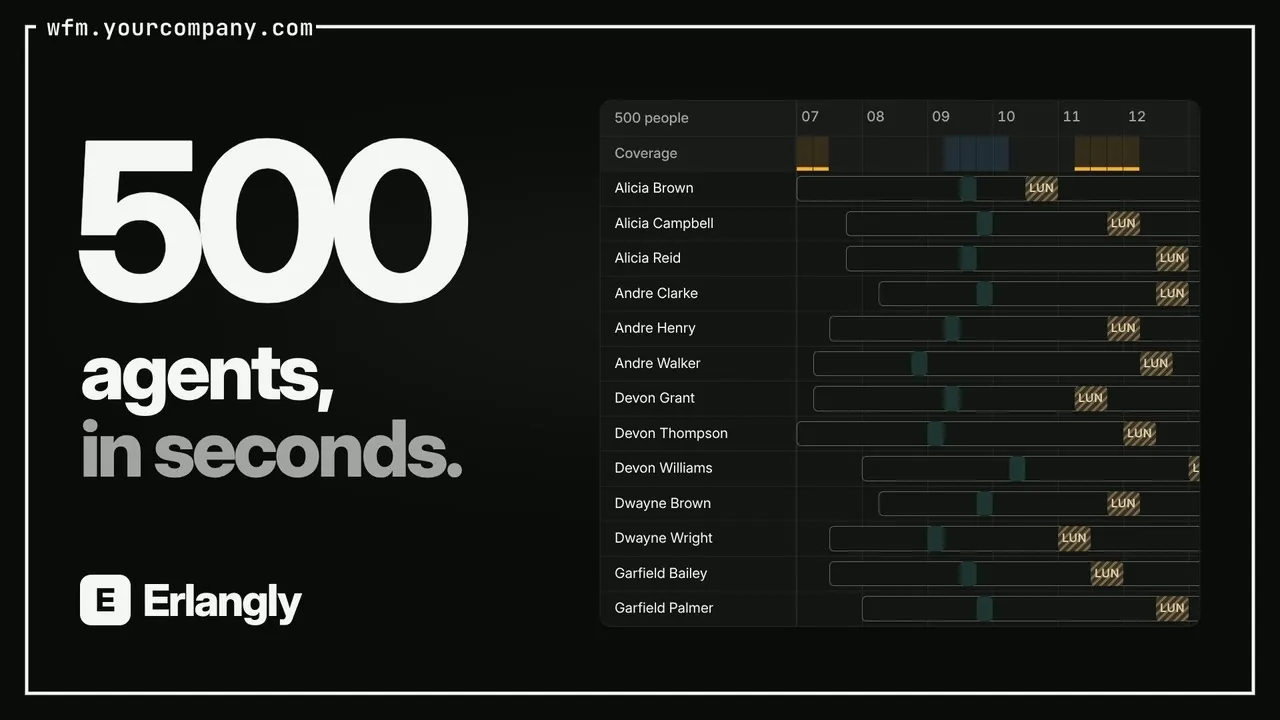 Self-hosted call center workforce management 0:47
 Forecast to adherence in one interval: Erlangly for WFM planners 9:20
 Erlangly for supervisors 4:10
 Erlangly for agents 2:03
 Erlangly for systems administrators 9:06
 How labor rules work in Erlangly 5:30
 How adherence works in Erlangly 5:52
 How notifications work in Erlangly 3:24
 How to automate Erlangly 3:32
 Erlangly for BPOs 3:35
 How to connect Amazon Connect to Erlangly 2:37
 How to connect Claude to Erlangly 2:50
 How to connect ChatGPT to Erlangly 2:50