Connecting Five9 (beta)
Erlangly connects to Five9 itself: it follows your agents' states as they change, through Five9's statistics service, for adherence and the wallboard. It only reads, and it connects out to Five9, so nothing on your network has to be reachable from the internet. It's built from Five9's API documentation and hasn't met a customer's Five9 yet: if anything looks wrong, the connection's page has diagnostics to send us.
Volumes don't come from Five9 yet. For forecasting, import your volume history from Five9's reports as a spreadsheet, or send it through the API, until they do.
1. In Five9: a user for Erlangly
- A Five9 admin makes a user for Erlangly and uses it for nothing else: Five9 allows one statistics session per user, so signing in with it elsewhere stops Erlangly's.
- They give it a supervisor role that can see all agents, for their live states.
- And an administrator role that can only view users, reason codes and skills, and run reports: Erlangly reads your agents' emails and your reason codes with it.
- Note your domain's data centre: the address you sign in at, such as
app.five9.comfor the US orapp.five9.eufor the EU.
2. In Erlangly: connect
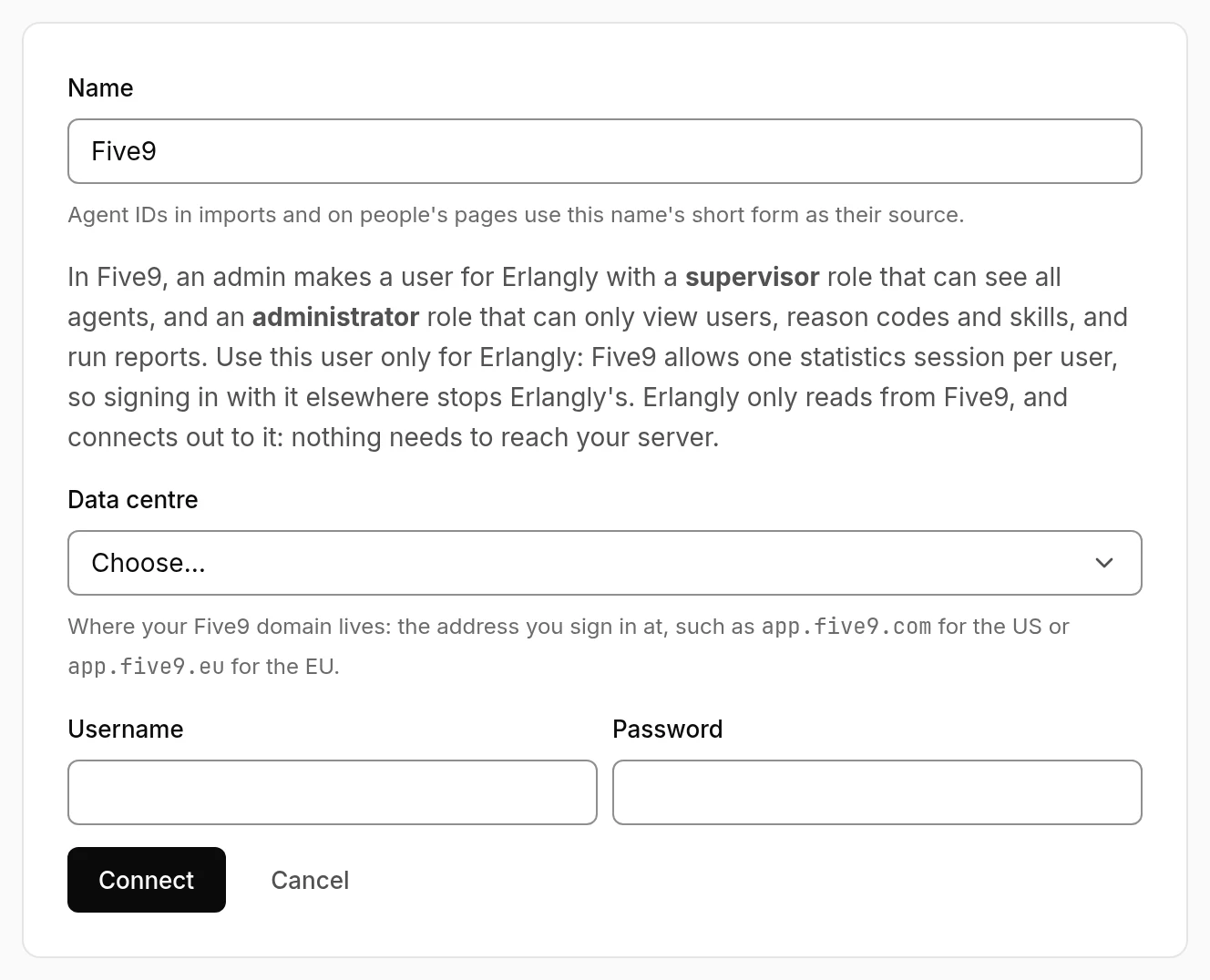
- Settings → Connections → Add a connection → Five9. Choose the data centre (US, Canada or EU), and enter the user's username and password. Erlangly signs in to check them before saving.
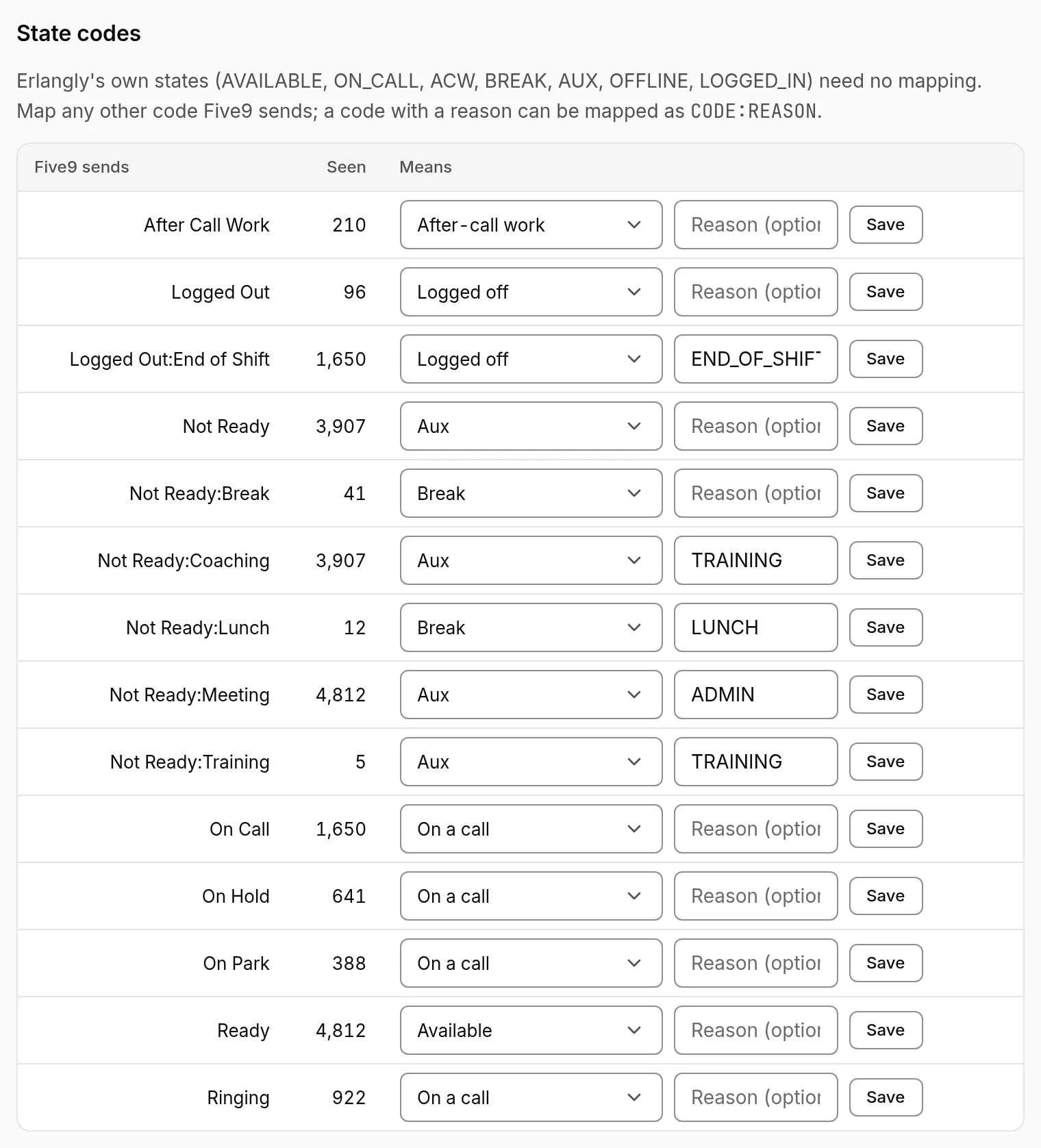
- State codes: Five9's states and reason codes come mapped: Ready → Available; On Call, Ringing, On Hold and On Park → On a call; After Call Work → After-call work; Logged Out → Logged off; and Not Ready by its reason code (Break and Lunch → Break, Training and Meeting → Aux…). Check them, and change any that mean something else on your floor.
- Agents link by email the first time: someone active in Erlangly with the same email as the Five9 user (Five9 usernames are often emails). Anyone else shows up under the connection to link by hand. Erlangly reads Five9's users again every 30 minutes, for agents added since.
- Five9 only sends changes, so every few minutes Erlangly compares everyone's state again: an agent linked or a code mapped since counts straight away.
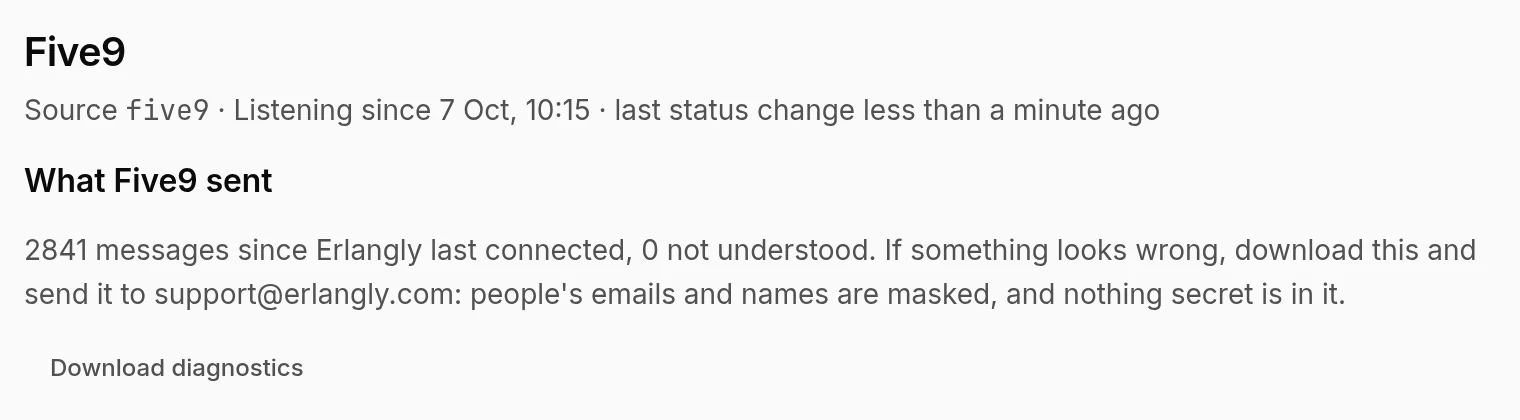
The connection's page shows whether Erlangly is following Five9, when the last state change came, and what Five9 sent (people's emails and names masked). If Five9 refuses the username or password, it says so, with the data centre to check, and keeps trying.