Erlangly for agents
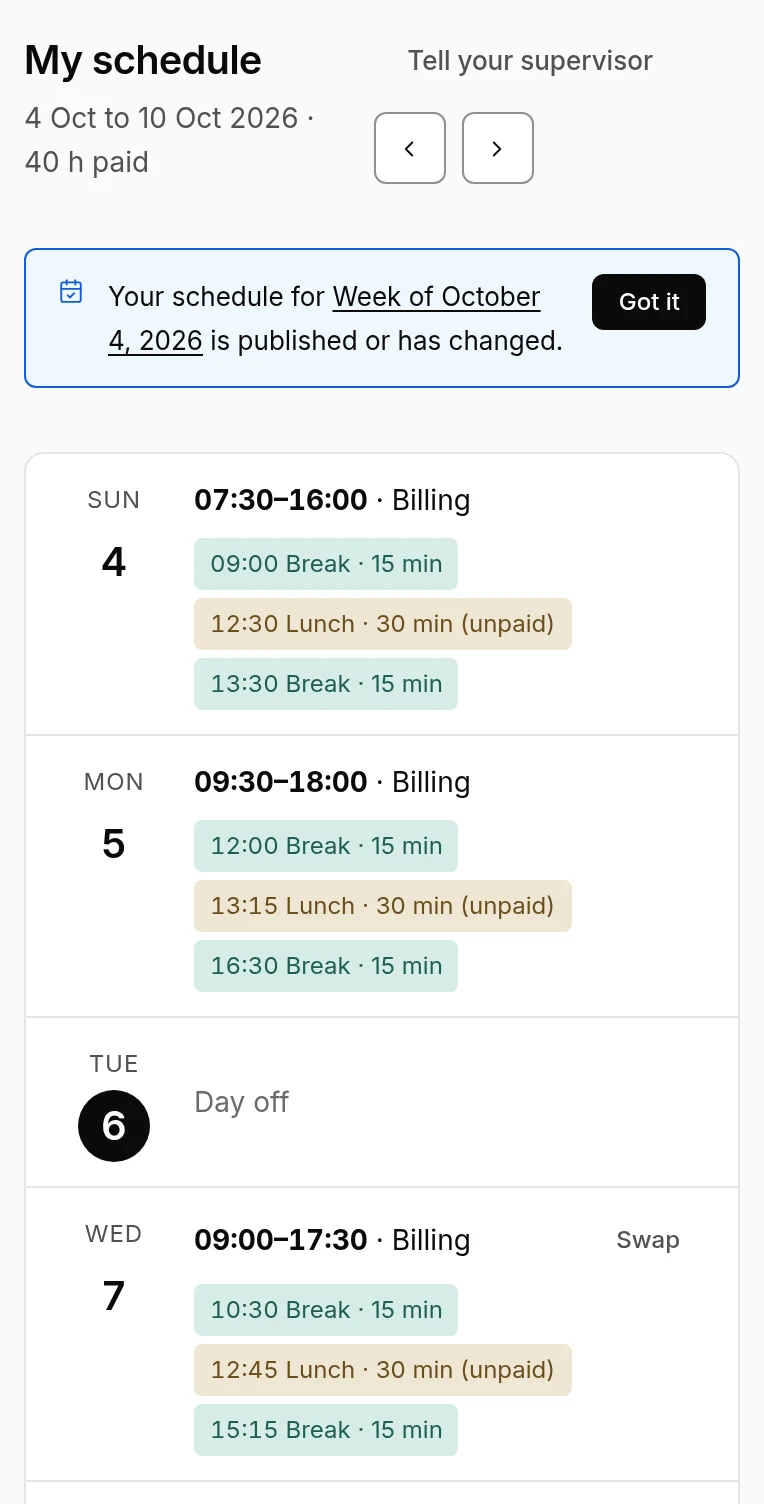
Erlangly shows your schedule on your phone or a computer. You ask for time off and swap shifts there too, and tell your supervisor when your day doesn't go to plan.
Your admin invites you. After that, it's all in three places: My schedule, Time off and Swaps.
There's no app to install: Erlangly works in your phone's browser, and on any computer. Sign in once and it remembers you.
Can't sign in, or your invitation has run out? Ask your admin for a new one: see Signing in.
Guides for agents
- Your schedule: signing in, your week, confirming changes, and telling your supervisor you're late or sick.
- Asking for time off: asking from your phone, the answer, and cancelling.
- Swapping a shift: asking a colleague, accepting a swap, and what happens once it's approved.