Asking for time off
Ask for time off from your phone, and your supervisor approves or declines it. This page is for agents. Supervisors: see Time off.
Asking
- Open Time off, beside My schedule.
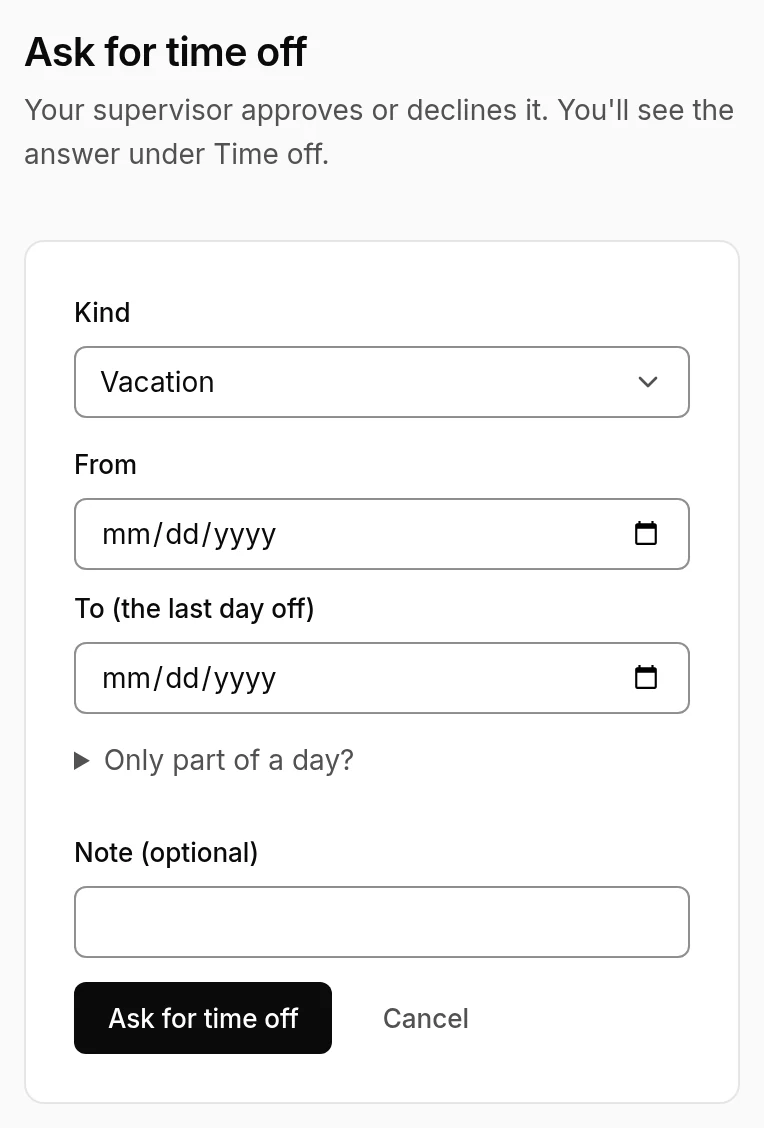
- Choose Ask for time off.
- Pick the kind: vacation, a personal day, sick leave, bereavement, unpaid leave, a leave of absence or parental leave.
- Choose From and To, the last day you're off. Just part of a day? Open Only part of a day? and give the times.
- Add a note for your supervisor, if you like, and choose Ask for time off.
The answer
Your requests show under Time off: waiting, approved or declined, with your supervisor's note if they left one. With email set up, you're told when it's decided.
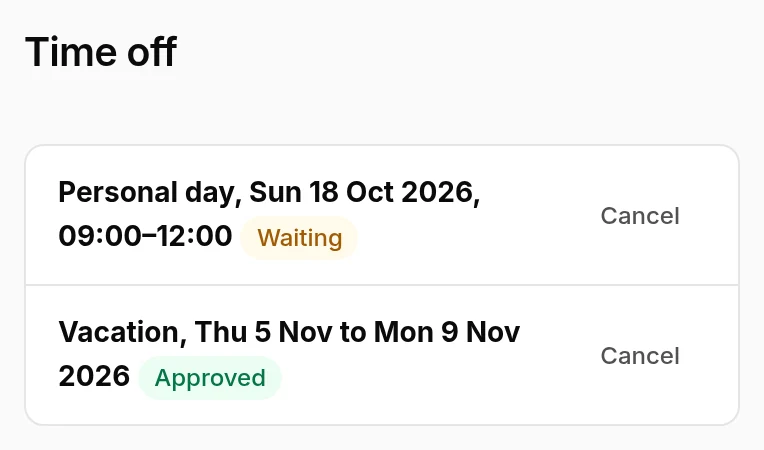
- Approved time off shows on your schedule, over any shift it lands on.
- Cancel a request that's still waiting, or time off that hasn't started yet.
Off sick today, or running late? That's not a time off request: use Tell your supervisor on My schedule, so your adherence counts what happened.